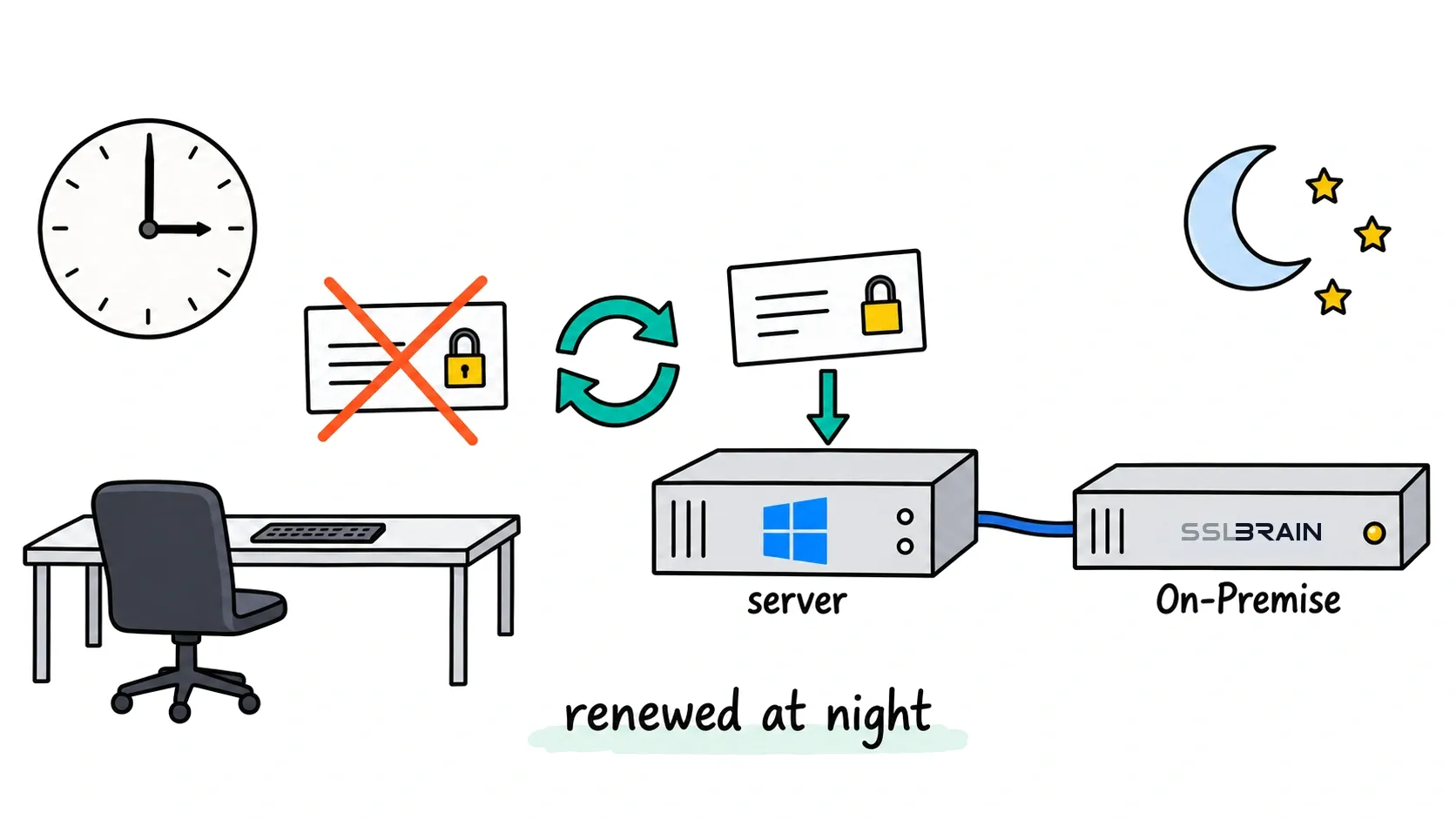
Renewal is a scheduling problem
When a certificate expires in production, the root cause is rarely technical. It is a calendar reminder nobody saw, a cron job on a forgotten server, or a colleague on holiday. With sslbrain, responsibility moves to a central scheduler that knows every certificate you manage and renews each one automatically, long before it becomes urgent.
How the timing is chosen
When the CA offers ARI (ACME Renewal Information), sslbrain follows the CA’s own recommended renewal window. That means a certificate also renews early if the CA asks for it, for example around a revocation event. Without ARI, sslbrain renews when 75% of the lifetime has elapsed. For a 90 day certificate that is around day 67, leaving solid margin to detect and fix failures.
Certificates from a configured source never renew later than the configured days before expiry, 30 by default. And regardless of policy, a safety net applies: anything with 7 days or less remaining is renewed immediately. Failed renewals are retried automatically and reported to you while the old certificate is still valid.
Ready for 47 days
The CA/Browser Forum has scheduled maximum lifetimes to step down toward 2029: 200 days today, 100 days in 2027, and 47 days in 2029. With 50 servers on 47 day certificates you are looking at hundreds of renewals per year. A central scheduler scales with that, no matter how short lifetimes get. More detail on the 47 day certificates page.