Free for up to 5 endpoints
All your SSL, On‑Premise
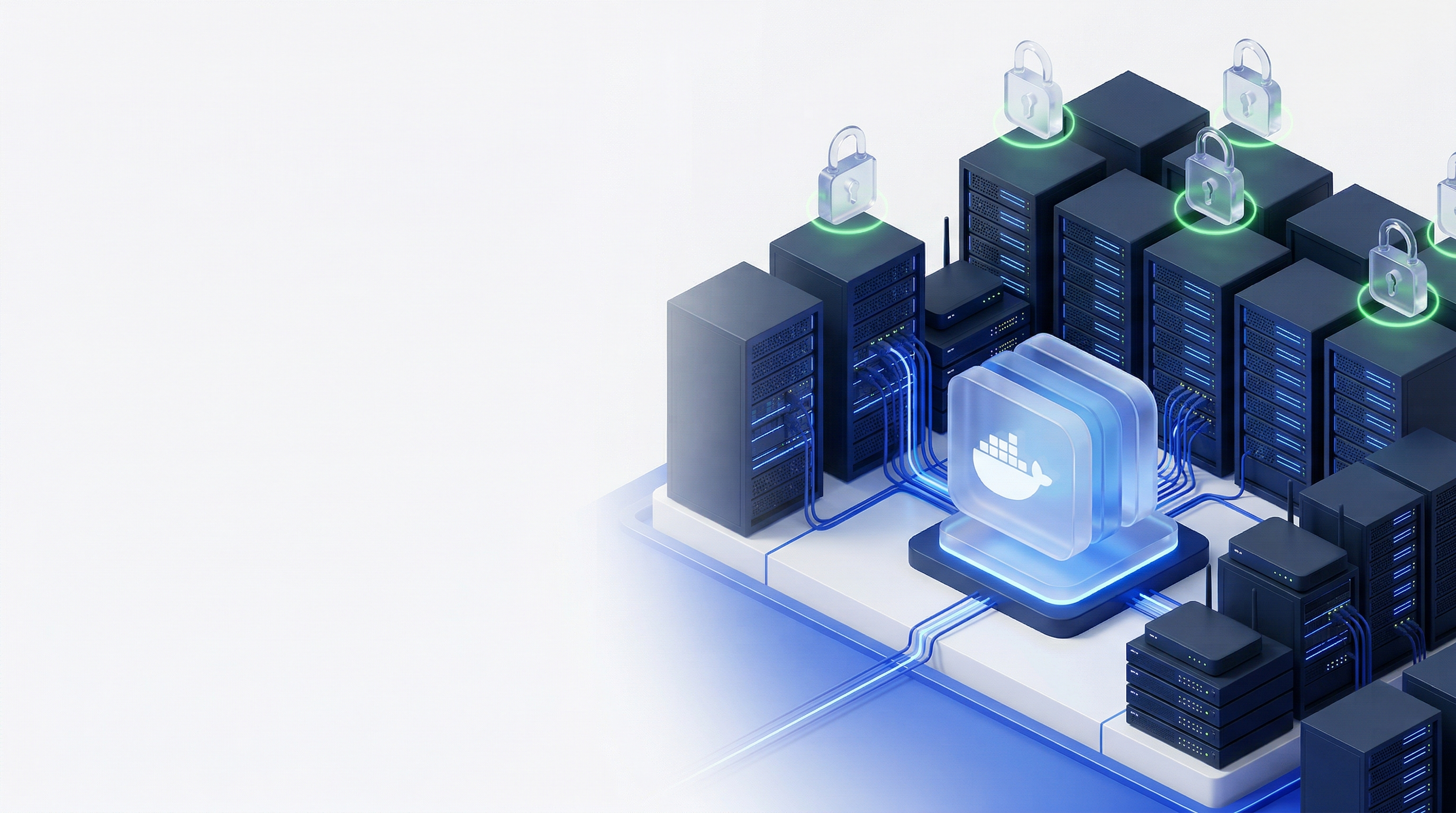
Discover, monitor and renew all certificates behind your firewall. No data leaves your network.
Free certificates from Let's Encrypt and Google. Visible source code. No vendor access to your environment. All data encrypted and on your own infrastructure. No supply chain risk.
No credit card required
 Built by FairSSL, a Danish company that has supplied certificates to municipalities, regions, hospitals, and enterprises for 16 years.
 Your last certificate expiry
Most IT teams have a collection of bash scripts, cron jobs, and Excel spreadsheets for certificates. It works until it doesn't.
Key person dependency
The colleague who wrote the script is on parental leave, changed jobs, or forgot how it works. Now it's archaeology.
No audit trail
NIS2 requires documented, monitored, and self-healing security processes. A cron job emailing failures to one inbox is not a documented process.
Credentials in plain text
DNS API keys, SSH passwords, and admin accounts scattered across servers in config files without review or access control.
No central visibility
Different scripts for each server type. No unified view of what's running, when it expires, or whether renewal failed.
Get early access
Join the list and get 20% off your first year of Basic, Professional or Enterprise.
Everything you need for certificate management
One appliance. All your certificates. Fully automated.
Discover
Scan your network to find every certificate. Know what you have, where it is, and when it expires.
Automate
Issue and renew certificates automatically. No manual steps. No expired certificates. No outages.
Deploy
Push certificates to IIS, Apache, Nginx, and more. Agents handle the last mile on every platform.
Some of our supported CAs


 Windows CA
Your certificates, your servers, your network
Certificate automation requires admin credentials to your firewalls, load balancers, and servers. Those credentials cannot exist in someone else's cloud. sslbrain runs inside your network.
Credentials stay local
SSH keys, API tokens, and DNS credentials never leave your network. No supply chain attack can compromise your server credentials.
Encrypted vault
XChaCha20-Poly1305 encryption. The decryption key exists only in memory, never on disk.
Fixed IP addresses
Only sslbrain needs outbound access to Cloud. Minimal firewall configuration.
One appliance for everything
IIS, Nginx, Apache, Exchange, FortiGate, and NetScaler from the same dashboard.
How it works
Three steps to automated certificate management.
Install
Three commands, under a minute. The setup wizard handles the rest: admin account, Cloud connection, and CA configuration.
Docker pull, up and running in 5 minutes
mkdir sslbrain && cd sslbrain
# Download your personalised docker-compose file from sslbrain Cloud
docker compose up -dAdd servers
Push to Linux, appliances and Windows via API, SSH or WinRM. Or install the Windows Service Agent to pull from Windows servers without open ports.
- Push via SSH + API - Linux and appliances
- Push via WinRM - Windows
- Pull via Windows Service Agent - no open ports
sslbrain
Docker · your network
Linux / Appliance
SSH + API
Windows
WinRM
Windows Agent
No open ports
Automate your first certificate
Request a certificate for any domain. sslbrain handles validation, issuance, deployment, and renewal automatically. Use Auto-DNS to automate renewals for servers behind firewalls. No open ports needed.
- Automatic DNS validation
- Push agents sslbrain deploys certificates directly to your servers via SSH, WinRM, or REST API. Supports IIS, Nginx, Apache, Exchange, firewalls, and network appliances.
- Pull agents Windows Service Agent - an MSI package deployable via GPO, SCCM, or Intune. Automatically pulls tasks from sslbrain over outbound HTTPS. No firewall openings or WinRM required.
- Free from Let's Encrypt and Google
Google Trust Services sslbrain Cloud
License · vault · auto-DNS · ACME server
ACME + online services
Direct ACME
sslbrain
Docker · your network
Certificate installed
ACME to CA
Handled by sslbrain
Servers talk only to sslbrain
Automate your certificates
Start free with up to 5 endpoints. No credit card. No sales meetings.