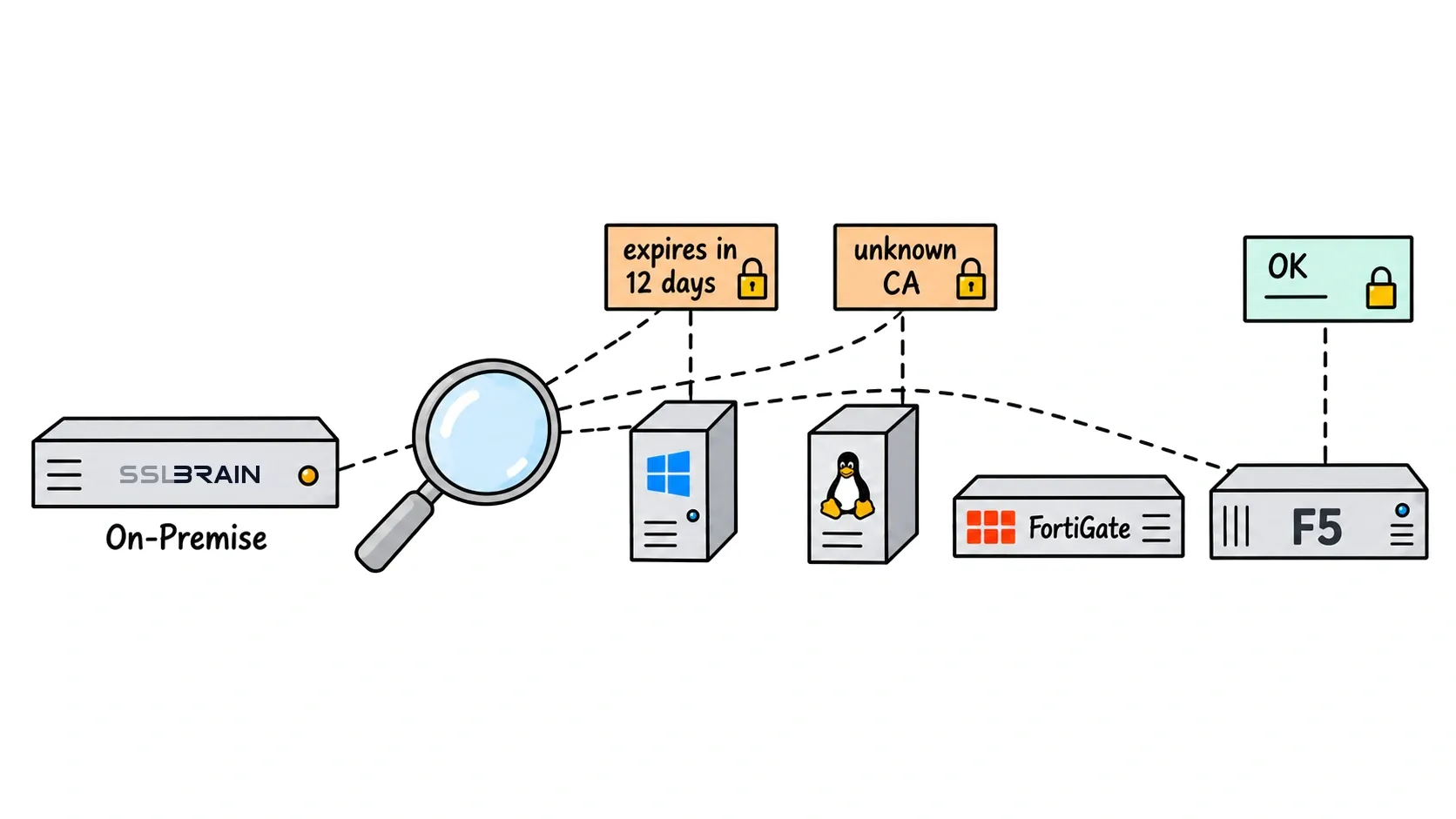
You cannot automate what you cannot see
Most environments hold more certificates than anyone can list: a switch management interface, an old staging box, a self-signed certificate quietly serving production. Discovery scans the IP ranges you specify on the most common TLS ports and reports what answers. Choose Servers › Find servers › New scan to set networks and ports.
From finding to managing
For every responding TLS port, sslbrain fetches the certificate and records issuer, expiry, chain, and TLS configuration. Results are graded: valid with a complete chain, expiring soon, or problematic, such as expired, self-signed in production, or legacy TLS versions. From the results view you add a server to management or order a replacement certificate on the spot.
Scheduled scanning
Run discovery hourly, daily, or weekly. The appliance compares results between runs. Alert rules can notify you instantly when a scan finds a certificate that is not in your inventory, and when known certificates approach expiry. Other changes, such as chain or TLS configuration, are recorded in the scan results. Details are in the discovery manual.